
FIRESTARTERS Controls and Settings: What Is Documented
FIRESTARTERS input and settings without guessed keybinds: verified skate actions, rebind count, languages, framerate limits, and safety warnings.
FAQ
Where can I see FIRESTARTERS default keyboard bindings?
Does FIRESTARTERS support controller or Steam Input?
Which languages does FIRESTARTERS Episode One support?
What graphics settings were added before Early Access?
Are there accessibility warnings for FIRESTARTERS?
Where Can You Find FIRESTARTERS Controls Without Guessing Keys?
FIRESTARTERS by Studio Kerosene (Steam app 3733710) is a keyboard-first PC action game in Early Access Episode One. This fan wiki does not list default keybinds because our fact files contain no verified full keyboard chart—only patch notes that 18 controls can be rebound (Demo 2026-02-13 Steam news) and gameplay verbs from Steam marketing.
What you can document honestly splits into three buckets: confirmed actions (not always bound to a key), menu settings from patch notes, and how to check bindings yourself in the client.
Pair this page with system requirements for OS and GPU gates, and movement and skating guide for how skate, slide, grind, and ground pound behave once you are in the arena.
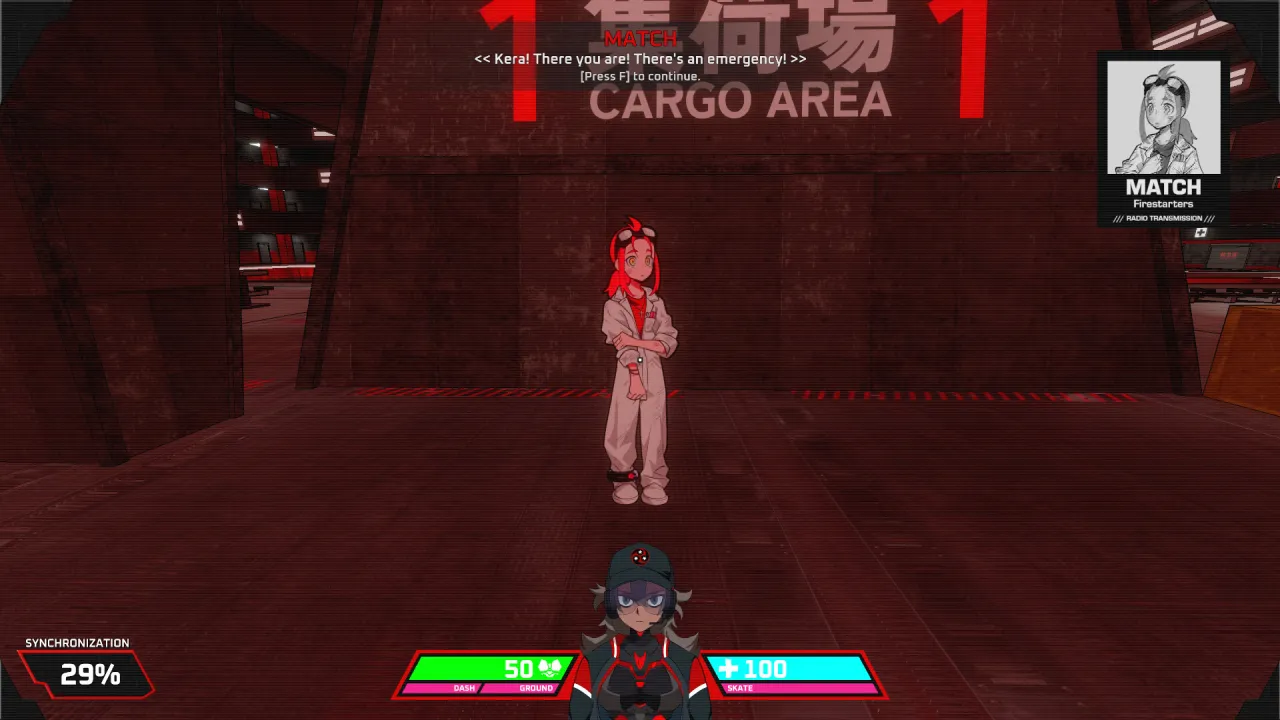
Caption: Official CARGO AREA screenshot shows narrative prompts—advance dialogue with mouse, Space, Enter, or your bound Use key per Demo patch notes.
Which Player Actions Are Confirmed by Official Sources?
Steam’s store description lists movement capabilities by name:
- Skate
- Slide
- Grind
- Ground pound
These are action names, not key assignments. Preview text adds context without a bind table:
- Load Last Save (Steam Next Fest preview) states right-click activates skate at extreme speed and shifts momentum, and that grinding requires precise rail alignment. That is single-source preview coverage—treat it as anecdotal until you confirm in Settings.
Weapon switching gained optional mouse wheel switching in Demo patch 2026-02-22 (Steam news API). Again, default vs optional is unclear publicly.
Combat and UI strings appear on HUD captures—DASH / GROUND and SKATE meters, SYNCHRONIZATION percentage—but screenshot analysis explicitly warns we must not equate those bars to health or cooldown numbers without developer docs.
How Do You Rebind Controls or Fix Keyboard Layout Bugs?
Demo and EA patch history shows Studio Kerosene iterates on input:
| Topic | Source | Status |
|---|---|---|
| 18 rebindable buttons | Demo patch 2026-02-13 (Steam news) | Added in Demo; EA assumed present but not re-listed |
| Look Inversion four modes | Same patch | Off / X Only / Y Only / X and Y |
| Japanese keyboard layout breaks rebinds | EA patch 2026-10-31 | Fixed per Steam news |
| VN advance keys | Demo patches | Left click, Space, Enter, plus bound Use key |
| Purchase Phase skip | Demo patch 2026-02-15 | Ready Up key ends 30s shop timer early |
Default keys for each rebind slot: unverified in our corpus. After the 2026-10-31 EA update, if rebinding fails on a non-QWERTY layout, update the game and retry; otherwise report in Steam discussions.
Where Are Game Settings Menus (Language, FPS, VSync)?
Demo patch notes—primary public detail until EA-specific menus are documented—point to:
- Settings → Game Settings → Language for Japanese (added 2026-02-20) and Russian (2026-02-22).
- Framerate Limit options: 30, 60, 120, 144, 240, 360, Unlimited (2026-02-13).
- Vertical Sync toggle with developer note that VSync may add unwanted input latency; prefer Framerate Limit for cap control.
- VSync implementation updates (2026-02-15) prioritize low-latency drivers when available.
Whether Episode One moved options under a different submenu is not confirmed in EA patch text. If your menu differs, note the on-screen path and consider posting in patch notes discussion via Steam.
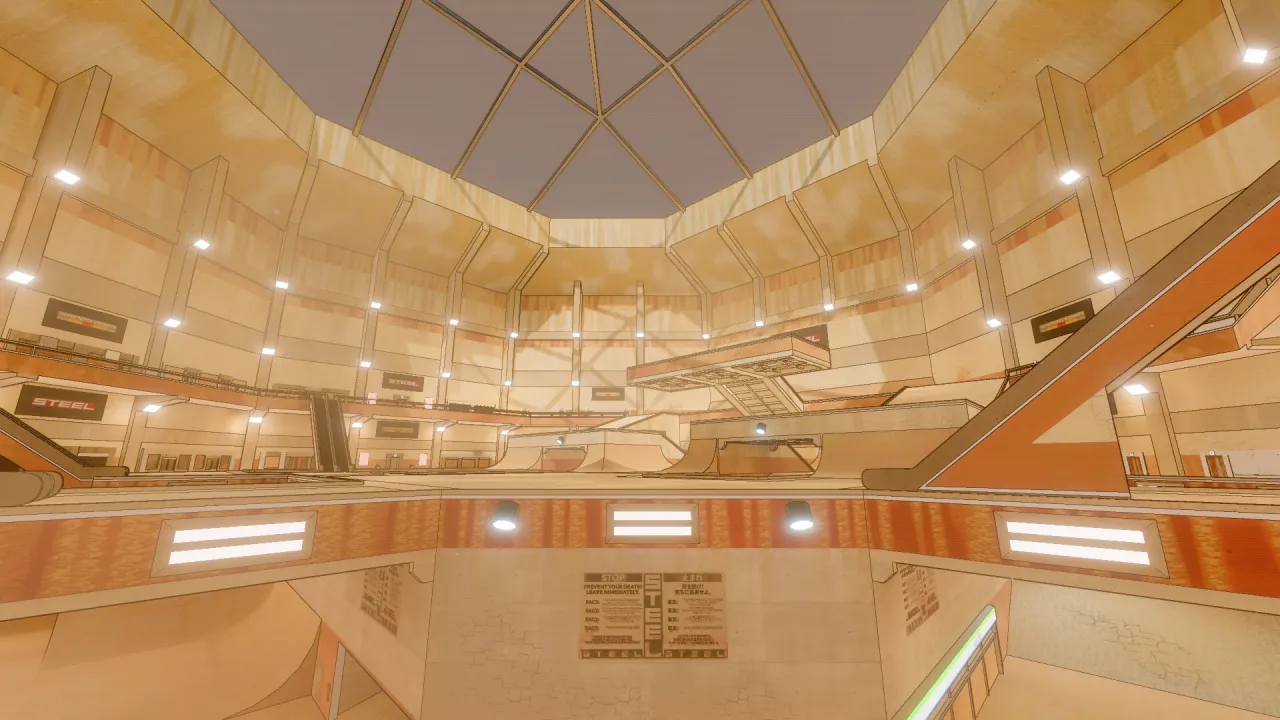
Caption: Use Framerate Limit and VSync options from Demo patch notes to tune feel in arenas like this official overview layout.
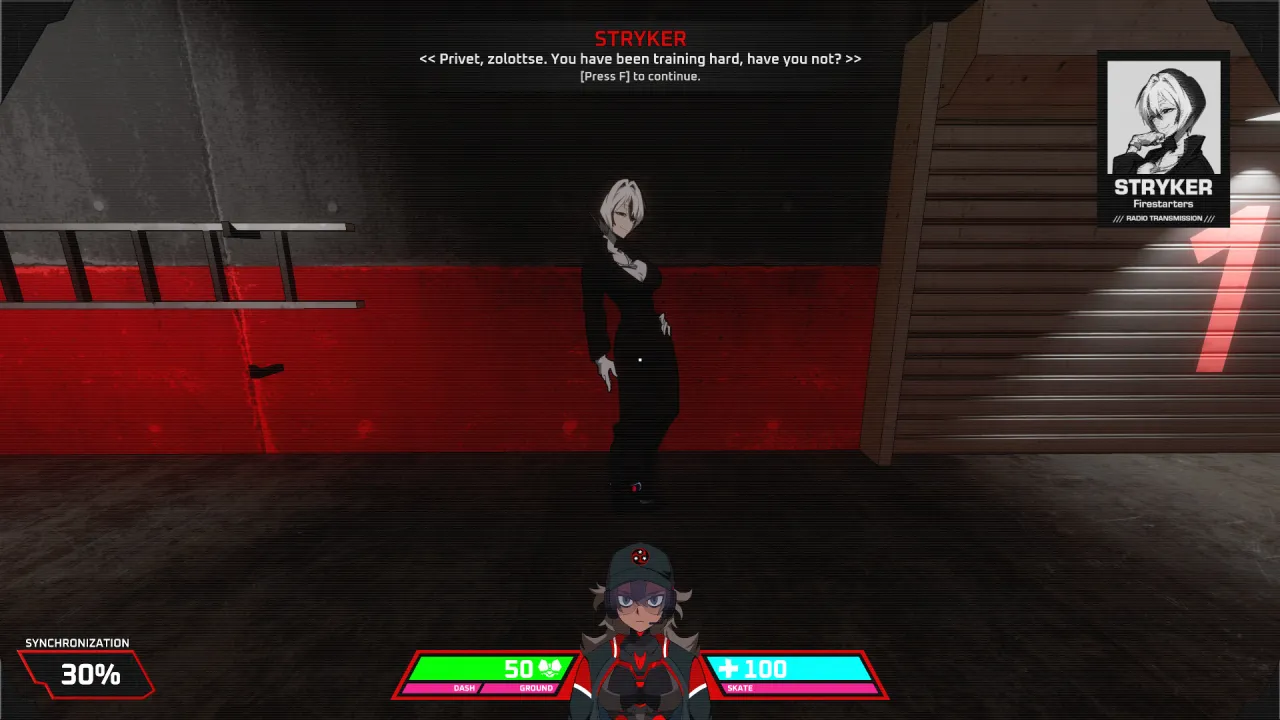
Caption: Training HUD shows movement-related meters labeled DASH/GROUND and SKATE in other captures—use them as feedback, not as documented stat names.
What Language and Audio Options Does Steam List?
Official Steam language table (November 2026 capture):
| English | Japanese | Russian | |
|---|---|---|---|
| Interface | Yes | Yes | Yes |
| Subtitles | Yes | Yes | Yes |
| Full Audio | No | No | No |
Reviews note absent support for other languages—for example NeutralGame mentions no Spanish UI. That is player expectation, not an exhaustive Steam list.
Voice lines may still play in their recorded language; “Full Audio” unchecked means Steam does not certify full dubbing in those three languages.
What Mature Content and Photosensitivity Settings Should You Know?
Before adjusting controls, check safety information on the Steam store:
- Photosensitive / epilepsy warning for flashing and stroboscopic effects.
- Mature content: Blood, Intense Violence, Strong Language, Mature/Suggestive Themes, Tobacco.
There is no documented in-game photosensitivity filter in our patch notes. Community threads ask for sandstorm visibility sliders—player requests, not shipped settings.
How Does This Tie Into Movement and Combat Guides?
Controls only matter once you understand FIRESTARTERS’ arena loop. After checking bindings:
- Read beginner guide for bat ammo loops and no pickups.
- Practice skate/grind routes in movement and skating guide.
- Track weapon names you actually equip in weapons overview.
Sources
- Steam store page (movement verbs, languages, warnings)
- Steam news API patch history (rebind count, graphics toggles, EA 2026-10-31 keyboard fix)
- Load Last Save preview (right-click skate description—single source)
Related Articles
guides
FIRESTARTERS Beginner Guide: First Hours in Episode One
Verified Episode One tips for Studio Kerosene FIRESTARTERS: no pickups, bat loops, Mining Laser armor orbs, medals shops, and special rounds.
guides
FIRESTARTERS Demo vs Early Access: What Changed on Steam?
The FIRESTARTERS Steam demo delisted for EA on 2026-10-28. Compare demo patch history vs Episode One pricing, content, and official notices—sources cited.
guides
FIRESTARTERS EA Roadmap: Episodes, 1.0 Timing & Updates
Steam and GamesPress on FIRESTARTERS four Episodes, Episode One scope, free EA updates, planned price rises, and 18–24 vs 12–18 month estimates.
Was this helpful?
Thanks for the feedback!